
Visualization
One workspace to debug robot behavior, live or recorded.
Turn robot runs into answers, faster.
01
Correlate robot behavior across modalities.
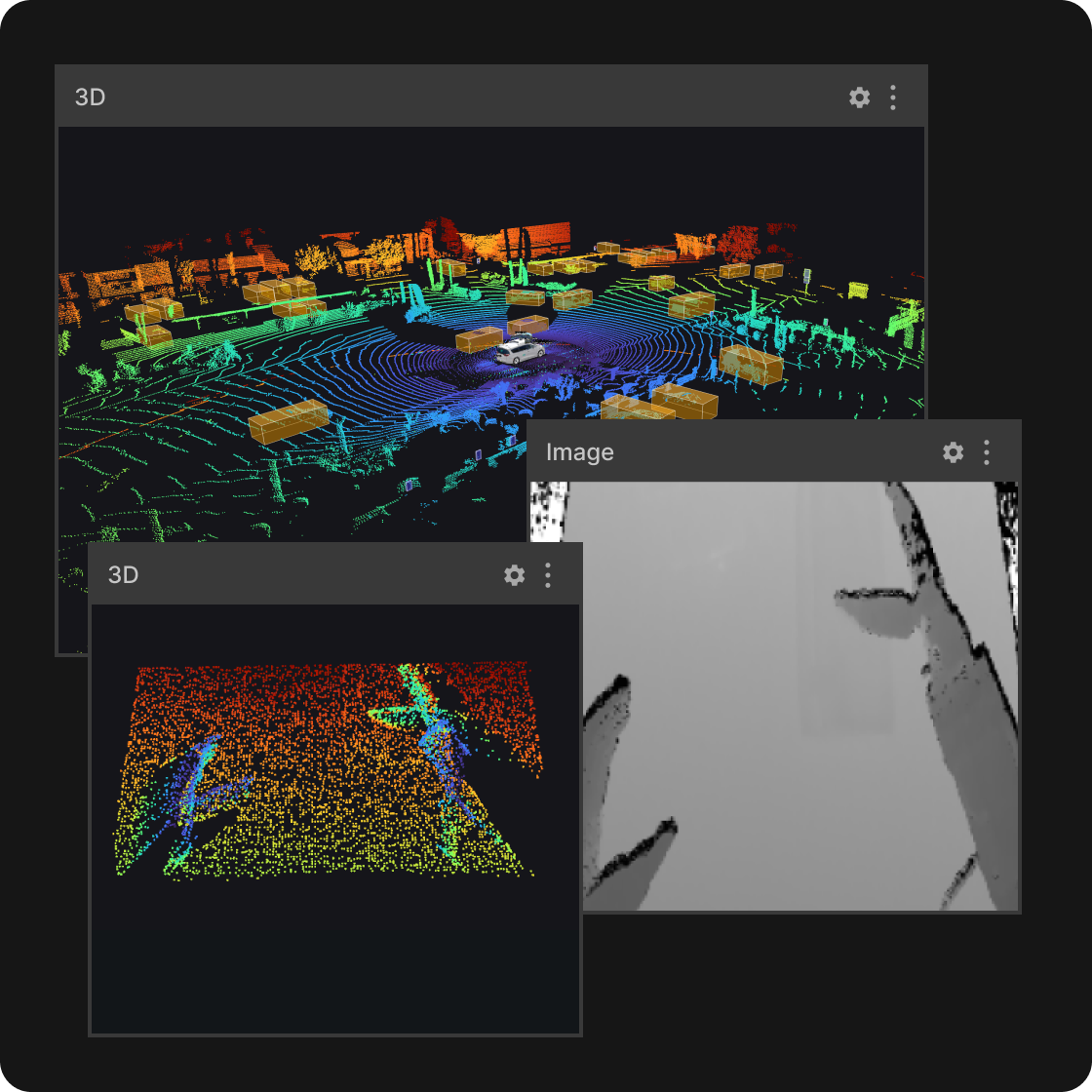
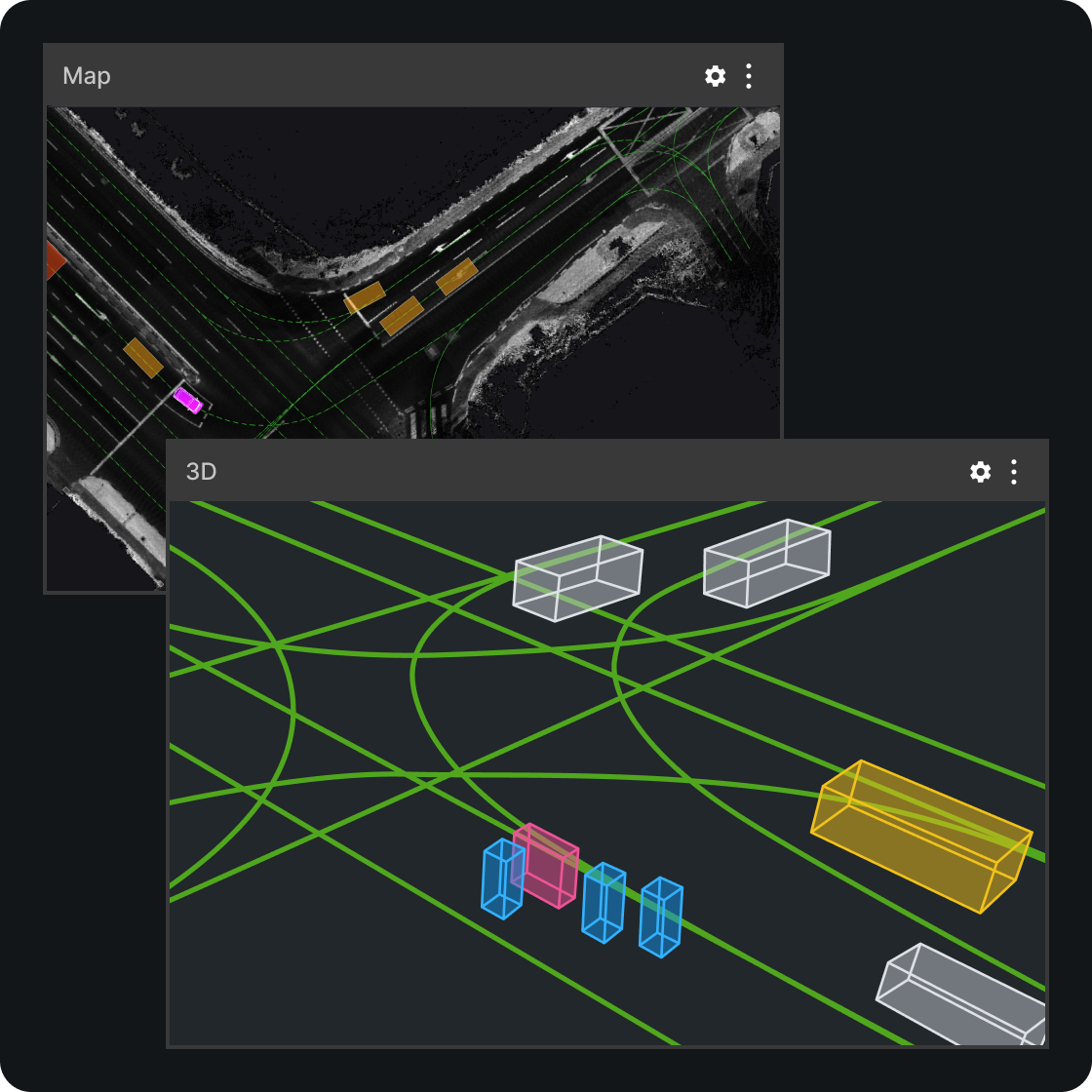
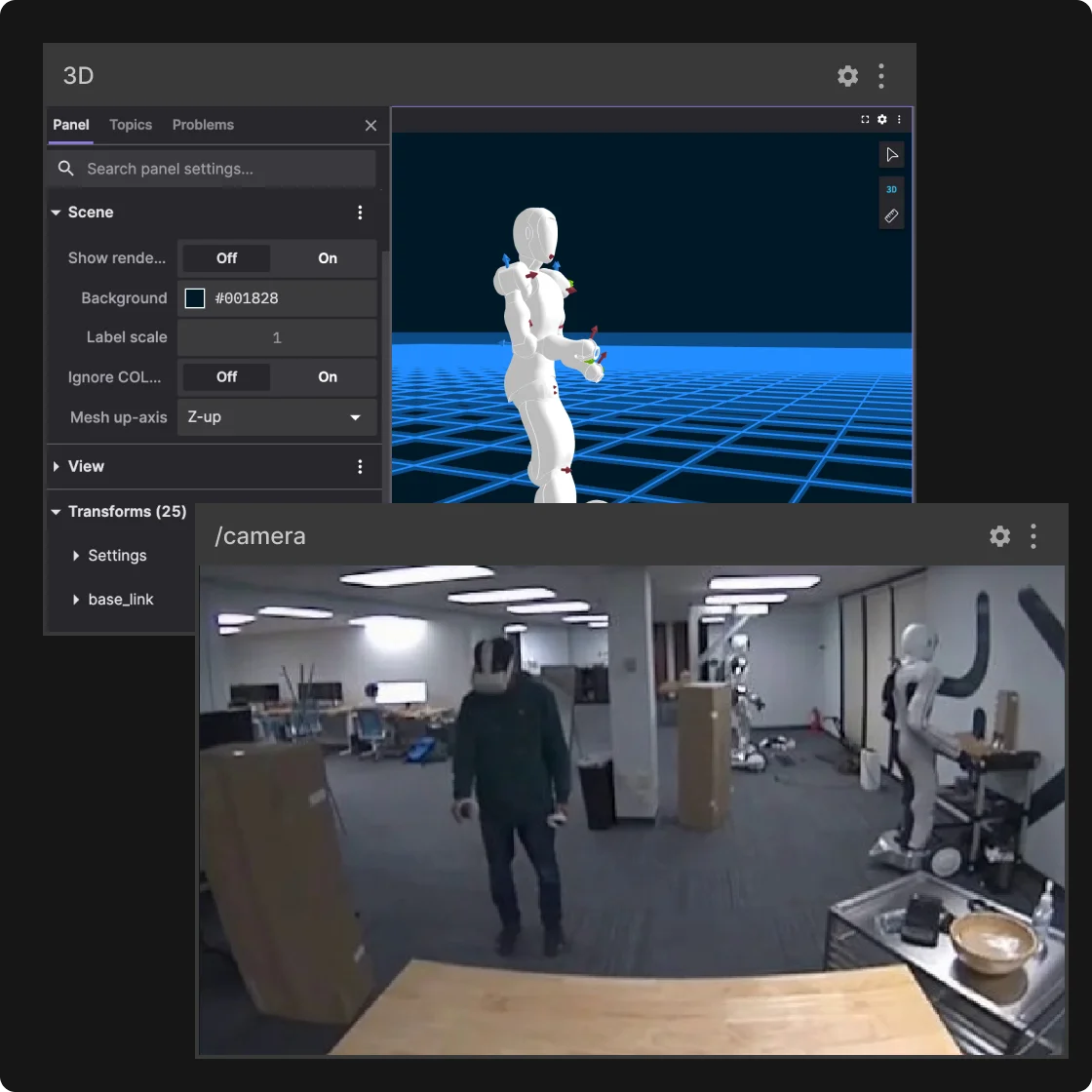
Bring 3D, video, transforms, annotations, and maps into one time-synced view so you can see what the robot perceived, decided, and did, in real-world context. Or describe the view you want and let the built-in agent assemble the layout, then adjust it yourself.
02
Reproduce issues and validate fixes from live to playback.
Use the same layouts and tools to debug live systems, then replay recordings with consistent playback to reproduce failures, confirm hypotheses, and validate changes without starting over.
03
Find the exact moment and signal that matters.
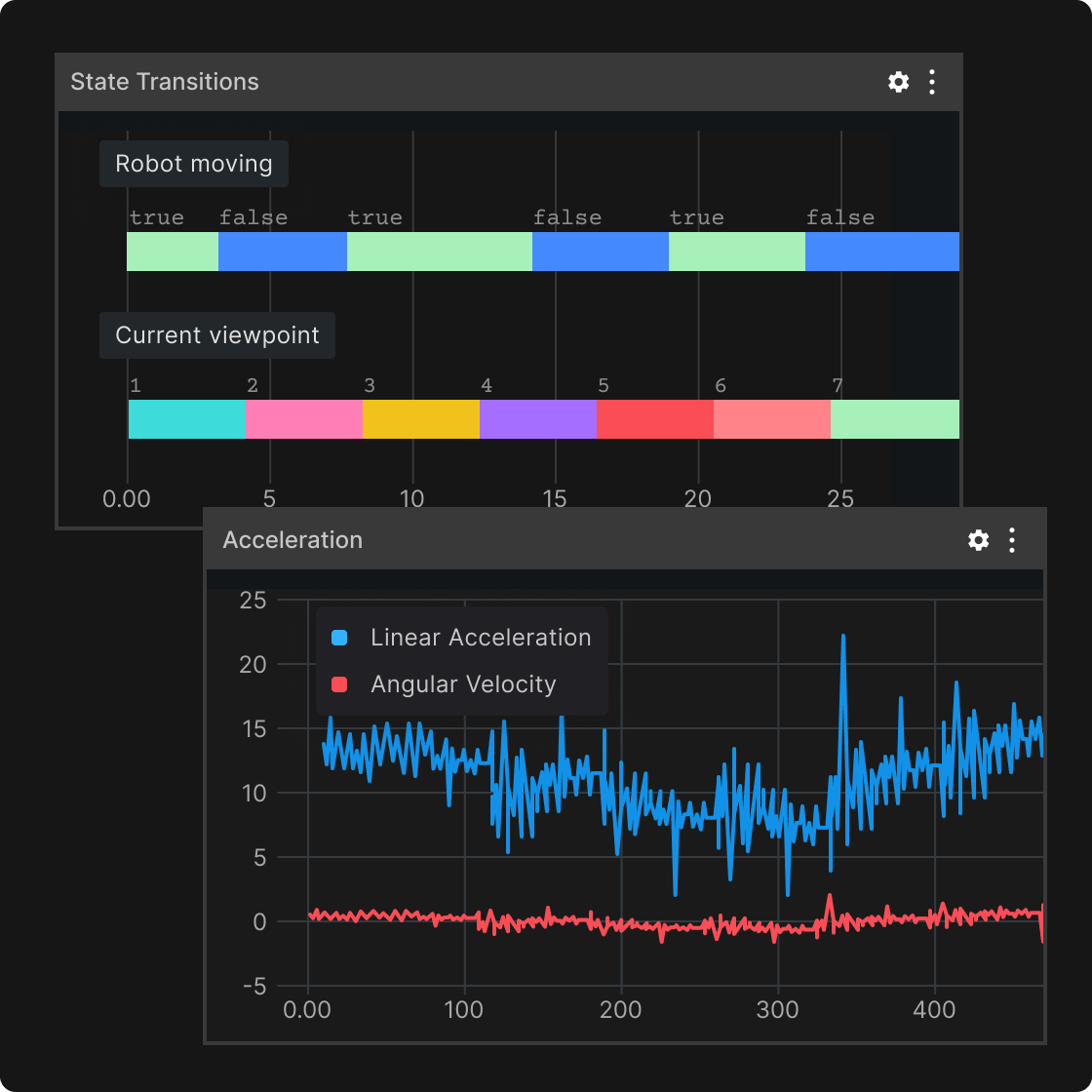
Go from “something’s off” to the precise timestamp and data that explains why using plots, state transitions, and raw message inspection to isolate events and verify behavior. Ask the agent why a signal dipped and it answers from the data in that run.
04
Compare multiple runs side by side.
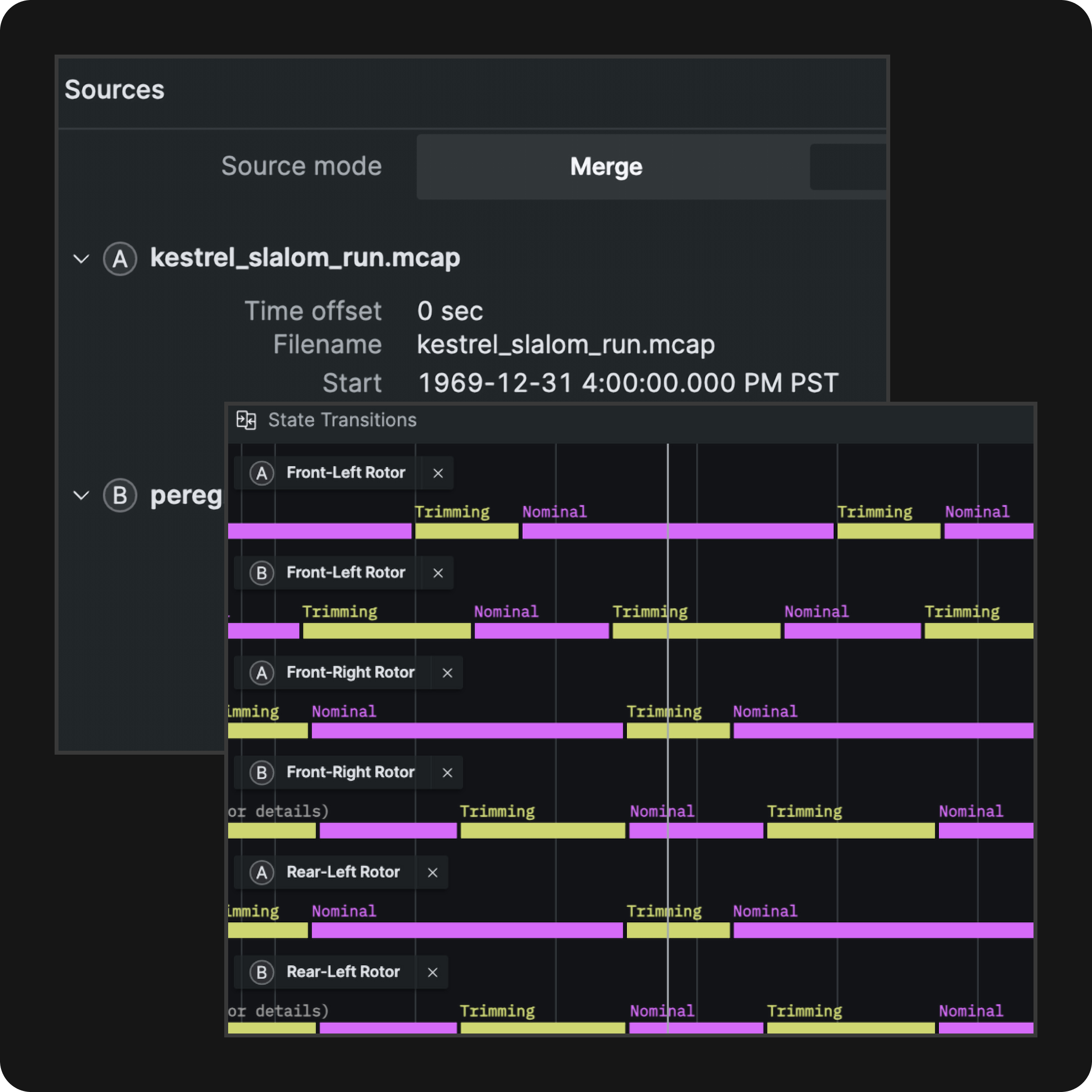
Open multiple recordings in one layout and step through them with synchronized playback across panels. Line up this morning’s run against last week’s baseline and see exactly where the behavior diverges, or whether your fix worked.
05
A common view of robot data across teams.
Share layouts so engineering, QA, and operations review runs the same way. Read-only access lets non-engineering teams inspect cloud recordings and live activity without rebuilding tooling for every team.
How it works.
Connect to live robots and recordings
Stream from your stack or open recorded runs, then move seamlessly between live debugging and replay.
Build a workspace for each workflow
Combine 20+ panels into layouts for bring-up, autonomy debugging, regression validation, or field ops, and reuse them across the team: 3D | Diagnostics | Images | Plot | Publish | Teleop | Raw Messages | State Transitions | Table | Map.
Investigate, validate, and share what you found
Scrub to the moment that matters, correlate signals, then share a layout so engineering can debug and teams across QA, operations, and safety can review the same run in a consistent read-only workspace.
Build layouts and scripts by asking
Ask Foxglove in the app to build a layout for the topics you are looking at or to write a user script, and approve the change before it is applied. Or connect an MCP client so your own agent can do the same as part of your development workflow.